
Generate API credentials
To generate your API credentials, do the following:
- Log in to the administration interface.
- Click on Company in the menu on the left.
- Click on the API keys tab.
- Enter a name in the Alias field.
- Click .
- Save or make a note of the alias, code, and account ID.
- Use the alias, code, and account ID to authenticate yourself in your API client.
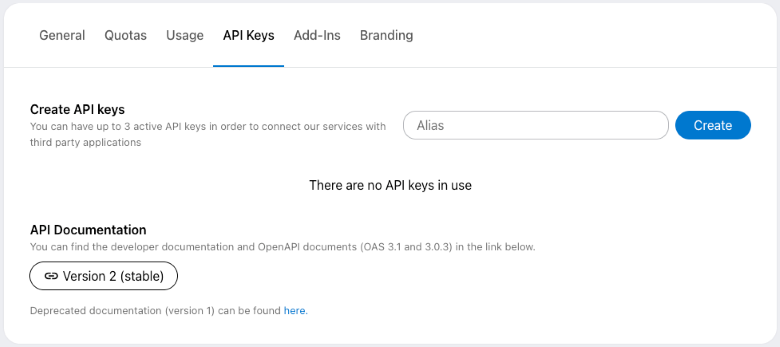
API Documentation
The API Documentation contains links to the current API versions and the most common uses of the API. It also allows you to download the documentation and use external tools to generate code that you can use directly with our API.
OpenAPI 3.1
OpenAPI 3.0.3
We recommend switching to the more recent Version 2 now, as Version 1 no longer offers control over all features and will not receive new functionality. It will be discontinued in March 2027.
Last updated on September 2nd, 2026, 08:34 am