
Delete room
As a room administrator, you can delete a room in the alfaview administration:
- Click on the menu item Rooms in the menu on the left of the administration interface.
- Select the room you want to delete.
- Click on the
 Settings icon next to the room’s name.
 - In the tab Room, click on the button.
- Confirm the deletion by clicking on the button in the new window.
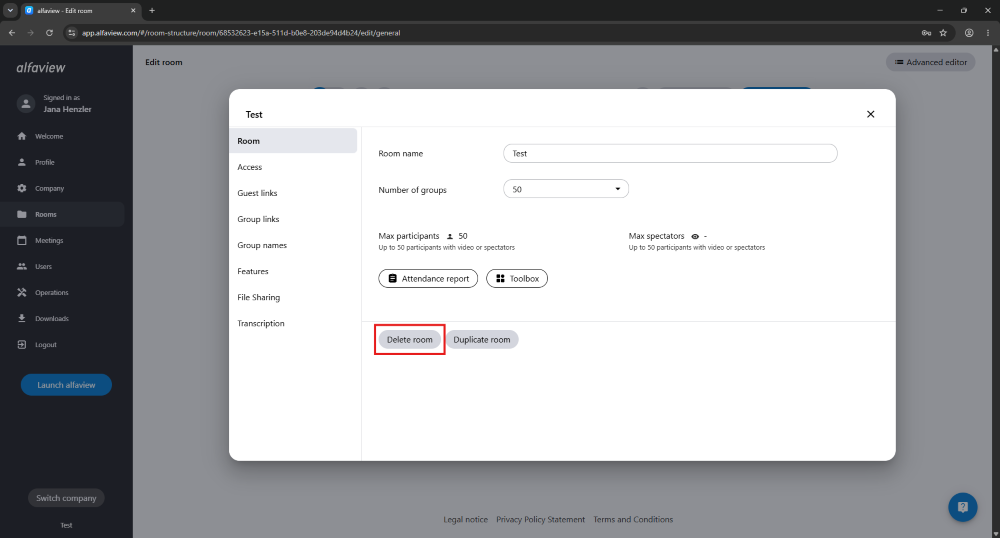
Please note that deleting a room cannot be undone.
Last updated on September 22nd, 2026, 09:32 am