Cancel meeting
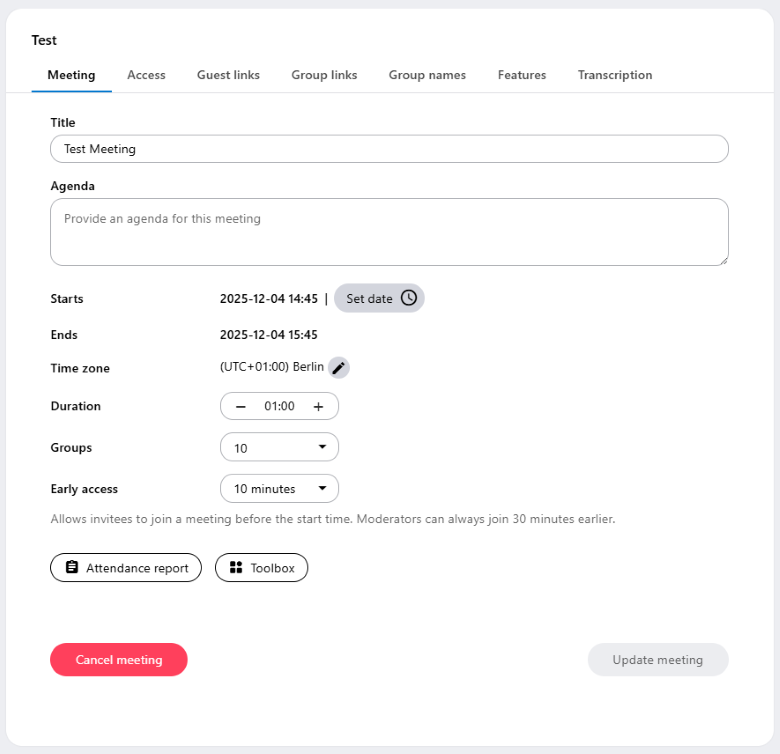
You can cancel a meeting by clicking on the context menu  next to the meeting in the room list and choose Edit meeting. After clicking on your meeting gets deleted and all participants will be notified via email.
Please note that you will need to notify participants who weren’t invited via the administration interface yourself.
Last updated on December 3rd, 2025, 03:05 pm