Create room
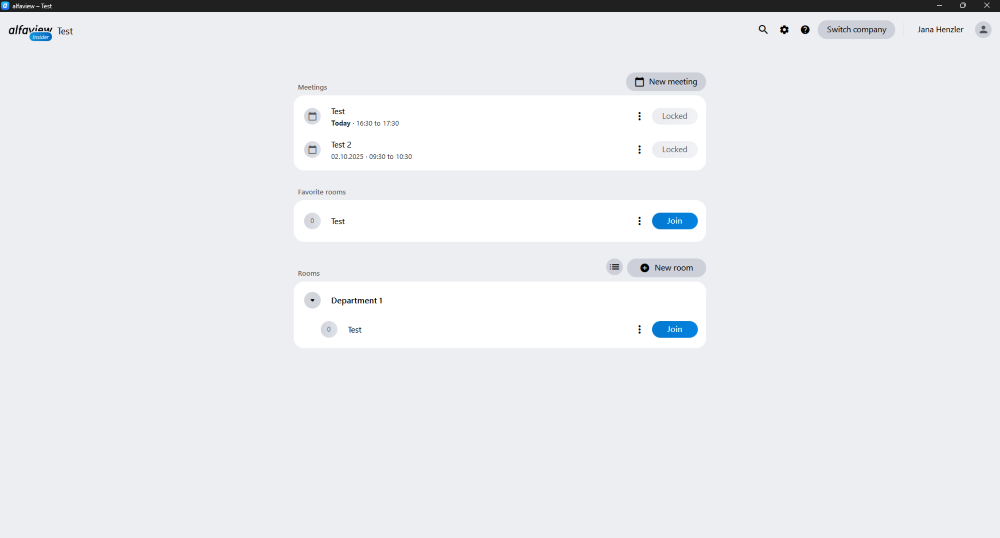
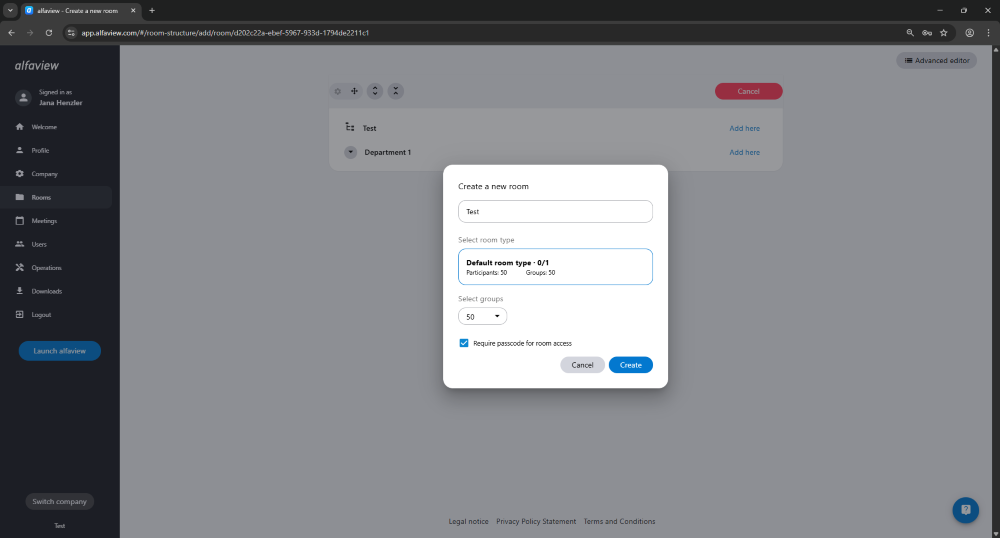
To create a new room, please click on the menu item Rooms in the menu on the left of the administration interface. Alternatively, you can click on on the alfaview app’s landing page to open the room management directly.
Then click on and then click Add here.
Now you can enter the name of the new room and confirm your entry by clicking on .
Please note that you can only create a new room if you have unused rooms.
Last updated on March 9th, 2026, 11:05 am